Home Security for New Homeowners 2026: A Move-In Safety Checklist
AbodeMay 14, 2026
Last updated: May 2026
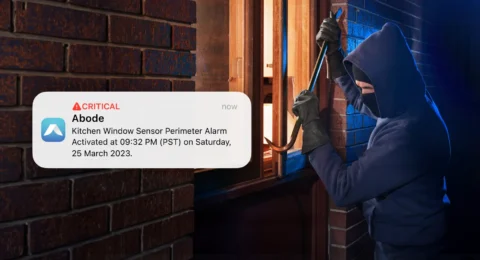
Buying the home is only the first security decision. The first 30 days after move-in are when you learn the blind spots: the side gate that does not latch, the garage door opener the old owner forgot, the window hidden behind shrubs, the package drop zone that is visible from the street.
This checklist keeps the work practical. Start with entry points, then add sensors, cameras, leak detection, access rules, and monitoring in the order that reduces risk fastest.
First 24 Hours: Control Access
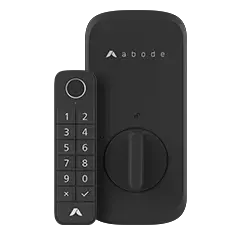
Before you unpack every box, make sure old access paths are closed. Rekey exterior locks or replace lock cylinders, reset garage remotes, change smart lock codes, and remove any guest codes you did not create. If the home came with a smart thermostat, camera, alarm panel, or door lock, factory-reset it before you trust it.
Change garage keypad codes and pair only the remotes you own.
Update WiFi name and password before connecting smart devices.
Create separate guest codes for cleaners, relatives, or contractors.
Put a temporary code expiration date on any trade access.
Week One: Cover Doors and Windows
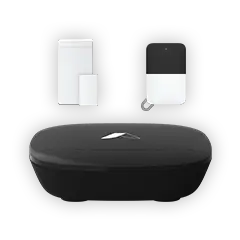
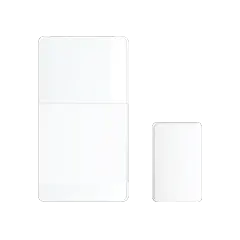
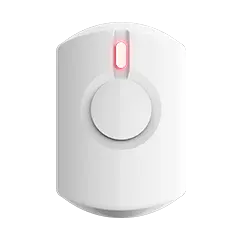
Most new homeowners do not need a complicated setup on day one. A better starting point is a clean sensor map: front door, back door, garage entry, patio slider, and first-floor windows that are easy to reach. Abode’s Mini Door/Window Sensor is built for this kind of phased setup because you can start small and expand room by room.
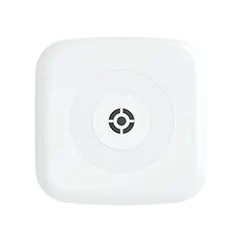
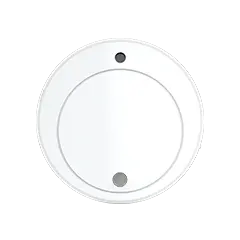
For the core alarm base, compare the Smart Security Kit with Iota. The Smart Security Kit is the straightforward hub-and-sensors route. Iota adds a built-in camera and siren, which can make sense for an entry, hallway, or open-plan main floor.
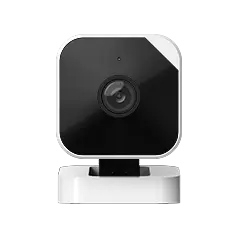
Cameras should not be there for decoration. Put them where they help you decide what to do: Who is at the door? Did the package arrive? Is the garage open? Did the side gate move? A low-cost camera like Abode Cam 2 can be useful near entries, garages, and shared living spaces when placed with care.
Keep indoor camera privacy tight. Avoid bedrooms and bathrooms, set clear shared-user permissions, and review retention settings. Use the camera privacy guide before giving access to family members, sitters, or contractors.
Add Water Leak Alerts Before You Need Them
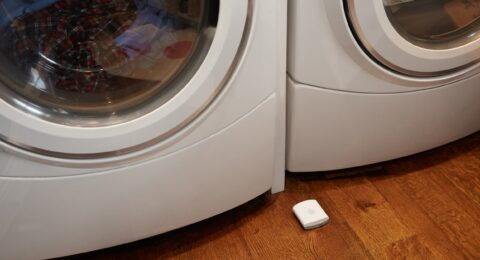
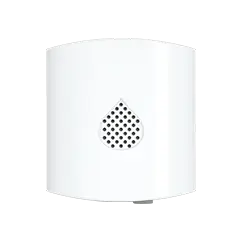
New homeowners often focus on burglary risk and miss the expensive quiet problems. A slow leak under a sink, behind a washing machine, or near a water heater can do more damage than a door left unlocked for an hour. Place water leak sensors under sinks, near the washer, close to the water heater, and in any basement or utility room that has had moisture issues.
Choose Monitoring Based on Your First-Year Risk
Your monitoring choice should match how you live, not what a salesperson pushes. If you work from home and rarely travel, self-monitoring may be enough while you learn the house. If you travel often, are renovating, have a detached garage, or want dispatch support, compare Abode’s monitoring plans before deciding.
After 30 days, expand based on what you learned: more window sensors for a ground-floor bedroom, another camera for a detached garage, a glass break sensor near a slider, or monitoring if alarms need dispatch backup.
FAQ
What should new homeowners secure first?
Start with exterior doors, first-floor windows, garage access, and any side or rear entry that is hidden from the street. Add sensors before you add nice-to-have devices.
Do I need professional monitoring right after moving in?
Not always. Self-monitoring can work for low-risk homes, but professional monitoring is worth considering if you travel, have a detached garage, are still learning the neighborhood, or want dispatch support during an alarm.
Where should cameras go in a new home?
Place cameras where they answer useful questions: front door, driveway, garage, side gate, or rear entry. Avoid private indoor areas unless there is a clear reason and strict access control.
Can I install a security system before every room is unpacked?
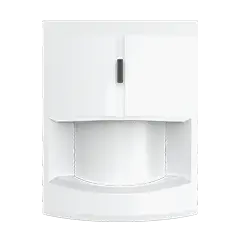
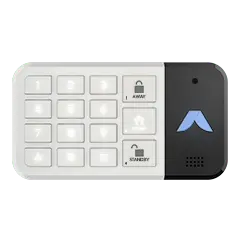
Yes. A basic system can start with door and window sensors, one motion sensor, a keypad, and one camera. You can add leak detection, extra cameras, and smart home routines after the move settles.
To provide the best experiences, we use technologies like cookies to store and/or access device information. Consenting to these technologies will allow us to process data such as browsing behavior or unique IDs on this site. Not consenting or withdrawing consent, may adversely affect certain features and functions.
Functional Always active
The technical storage or access is strictly necessary for the legitimate purpose of enabling the use of a specific service explicitly requested by the subscriber or user, or for the sole purpose of carrying out the transmission of a communication over an electronic communications network.
Preferences
The technical storage or access is necessary for the legitimate purpose of storing preferences that are not requested by the subscriber or user.
Statistics
The technical storage or access that is used exclusively for statistical purposes.The technical storage or access that is used exclusively for anonymous statistical purposes. Without a subpoena, voluntary compliance on the part of your Internet Service Provider, or additional records from a third party, information stored or retrieved for this purpose alone cannot usually be used to identify you.
Marketing
The technical storage or access is required to create user profiles to send advertising, or to track the user on a website or across several websites for similar marketing purposes.






 May 10, 2026 Home Security for Elderly Parents 2026: Safer Aging-in-Place Without Over-Monitoring
  Abode Home security for elderly parents is not only about break-ins. It is about helping someone stay independent while making sure family can respond when a door is left open, water starts...