Home SafetyHome Security for Night Shift Workers 2026: Safer Arrivals, Sleep, and Alerts
 Abode May 16, 2026
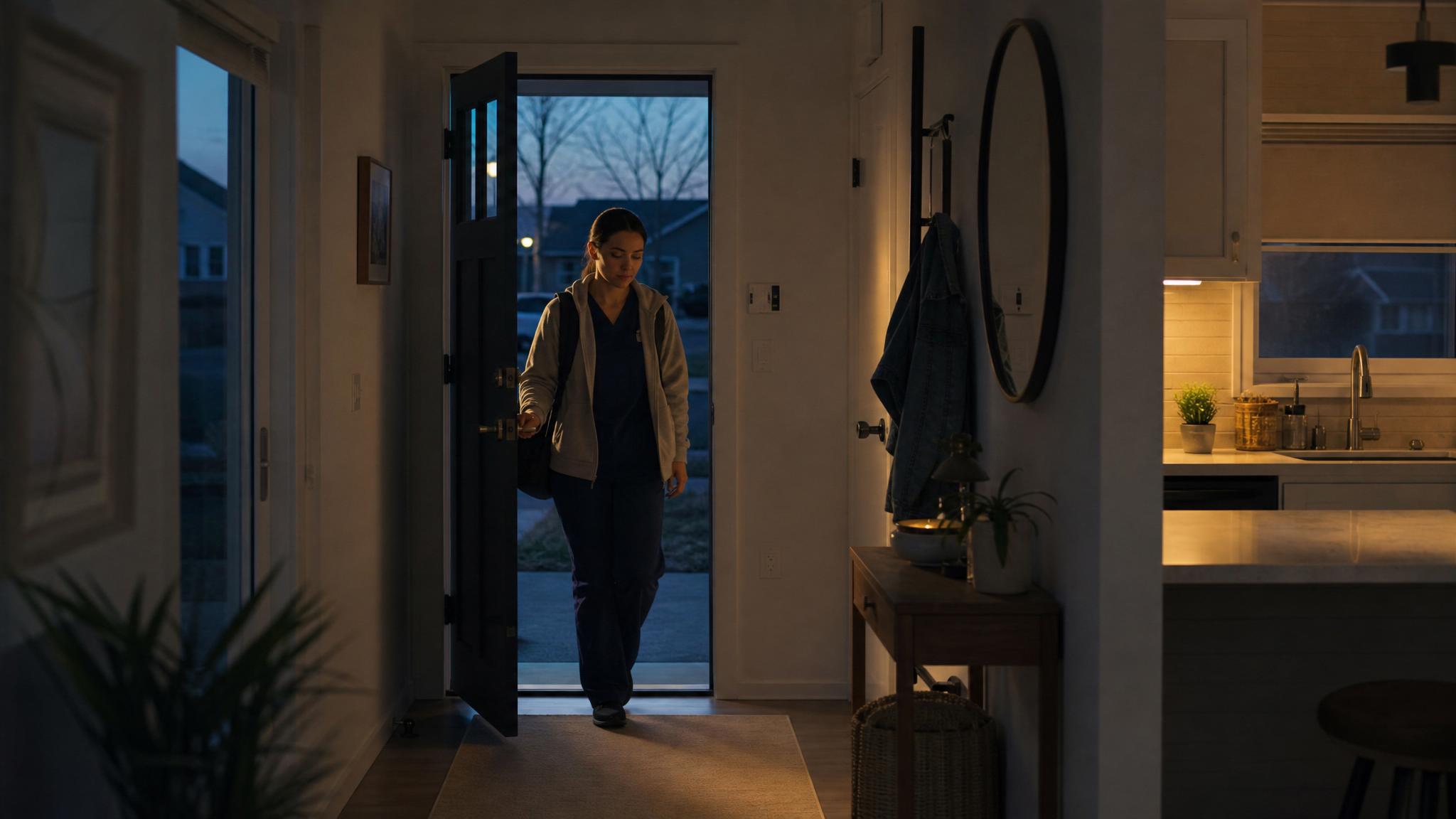
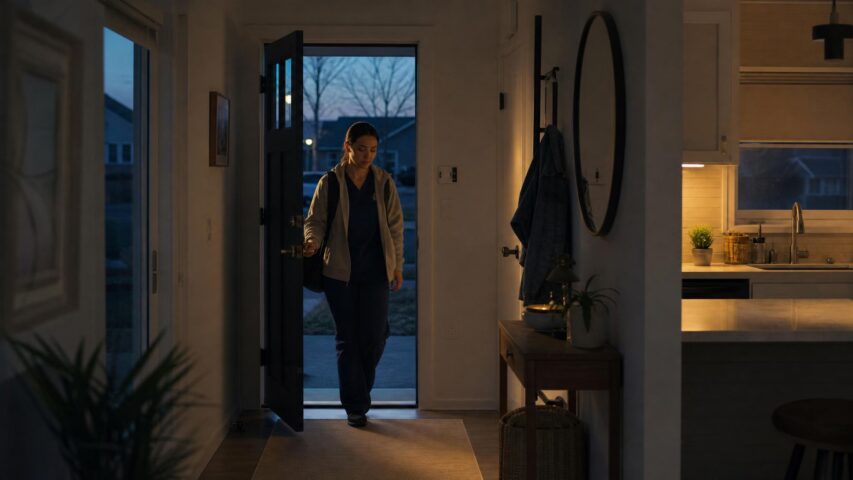
 Night shift workers use home security differently. The risk pattern is not just “away during the day, home at night.” It is late arrivals, early-morning entries, daytime sleep, delivery windows, family members coming and going, and alerts that need to be quiet enough not to wake the whole house.
This guide covers a practical 2026 home security setup for night shift workers: entry routines, smart locks, camera checks, quiet alert rules, daytime sleep protection, delivery handling, and monitoring choices.
Quick answer
The best home security setup for night shift workers combines door and window sensors, a smart lock or keypad, entryway camera coverage, quiet alert rules, and a schedule that changes between work nights and sleep hours. The system should make late arrivals safer without creating false alarms when the household is awake on a different schedule.
Night shift security setup checklist
| Need | Recommended setup | Why it matters |
|---|
| Late arrival | Smart lock, entry light automation, and front-door sensor | Reduces fumbling at the door and confirms the entry closed behind you. |
| Daytime sleep | Perimeter sensors active, indoor motion muted in bedrooms and hallways | Protects the home without noisy alerts during sleep. |
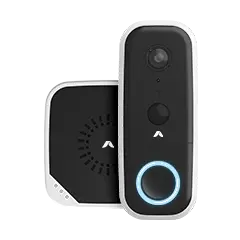
| Deliveries | Doorbell or entry camera with package alerts where available | Helps monitor daytime activity while you are asleep. |
| Family access | Separate PINs, app users, and arrival notifications | Prevents routine household movement from looking like a security event. |
| Travel or long shifts | Professional monitoring or backup contact rules | Creates escalation when you cannot respond quickly. |
Build two modes: work mode and sleep mode
Night shift households usually need two security modes. Work mode protects the home while you are gone overnight. Sleep mode protects the perimeter while you rest during the day. Treat them as different routines instead of forcing one standard schedule to handle both.
- Work mode: arm door/window sensors, cameras, siren, and monitoring while the home is empty or family is asleep.
- Sleep mode: keep perimeter sensors active but reduce indoor motion alerts and non-urgent push notifications.
- Arrival mode: unlock, turn on entry lights, and delay non-critical camera notifications for a few minutes after arrival.
Entry safety matters more after dark
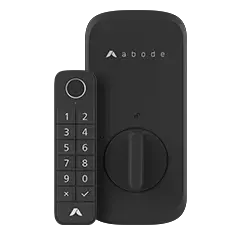
Late-night and early-morning arrivals should be simple. A keypad or smart lock removes the need to search for keys. Entry lighting helps with visibility. A front-door sensor confirms the door closed properly after you enter.
If you use a camera, aim it at the entry path rather than private indoor spaces. The goal is to confirm arrivals and unexpected activity, not record normal family routines.
Protect daytime sleep without turning off security
Do not fully disarm the system just because someone is asleep during the day. Keep perimeter sensors on. Mute non-urgent alerts. Avoid motion detection in bedrooms, hallways used during sleep hours, or rooms where pets move around.
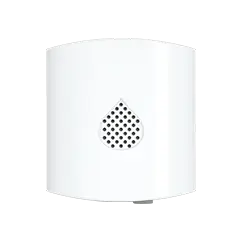
Water leak, smoke, and temperature alerts should stay active. Those are safety events, not noise.
Recommended Abode setup for night shift workers
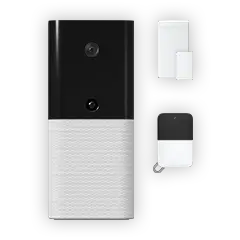
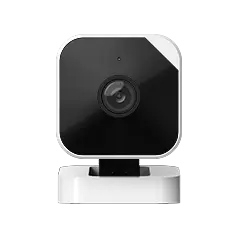
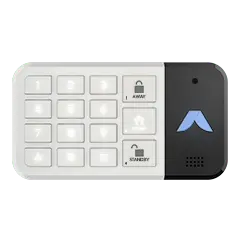
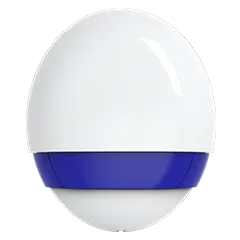
A practical Abode setup starts with the Smart Security Kit, a Keypad 2 or smart lock for late arrivals, Mini Door/Window Sensors for key entries, a camera near the main entry, and water leak protection near laundry or kitchen areas. Add professional monitoring when long shifts, fatigue, or travel make fast app response less reliable.
Related Abode pages: home security systems, Abode Cam 2, Water Leak Sensor, and home security for new homeowners.
Best setup by household type
- Solo night shift worker: prioritize smart access, entry lighting, front-door alerts, and sleep-mode perimeter protection.
- Family household: create separate user codes and schedule rules so arrivals do not trigger panic alerts.
- Apartment renter: use adhesive sensors, a keypad, and optional indoor entry camera placement where privacy allows.
- Healthcare or emergency worker: add monitoring and backup contacts because missed alerts are more likely during long shifts.
FAQ
Should night shift workers leave their alarm on while sleeping during the day?
Yes, but use the right mode. Keep door and window sensors active while muting indoor motion alerts that would trigger during normal movement or rest.
What security device helps most for late arrivals?
A smart lock or keypad paired with entry lighting is the most useful first upgrade. It makes the door easier to access and reduces time spent outside looking for keys.
Are cameras useful for night shift workers?
Yes, especially at the front door, driveway, or package area. Use cameras for entry confirmation and deliveries, but avoid recording private indoor routines.
Is professional monitoring worth it for night shift workers?
It can be, especially for long shifts, fatigue, travel, or households where alerts might be missed during sleep hours. Monitoring gives the system a response path beyond your phone.
How should I handle deliveries while sleeping during the day?
Use a doorbell or entry camera, package alerts if available, and delivery instructions that avoid ringing the doorbell unless necessary. Keep non-urgent notifications quiet during sleep hours.



 May 14, 2026 Home Security for New Homeowners 2026: A Move-In Safety Checklist
  Abode Last updated: May 2026 Buying the home is only the first security decision. The first 30 days after move-in are when you learn the blind spots: the side gate that does not latch, the...