All ArticlesBest Self-Monitored Security Systems 2026: Top 5 Compared (No Contract Required)
 Abode February 27, 2026
 Shopping for a self-monitored security system in 2026? You’re not alone. More homeowners than ever are ditching expensive monthly contracts and taking security into their own hands. But “self-monitored” doesn’t mean “unprotected” — it means you get the alerts, you decide how to respond, and you keep more money in your pocket.
We compared every major DIY security system to find the best options for self-monitoring — from completely free to low-cost plans that add cloud storage and smart home features without locking you into a contract.
What Is Self-Monitored Home Security?
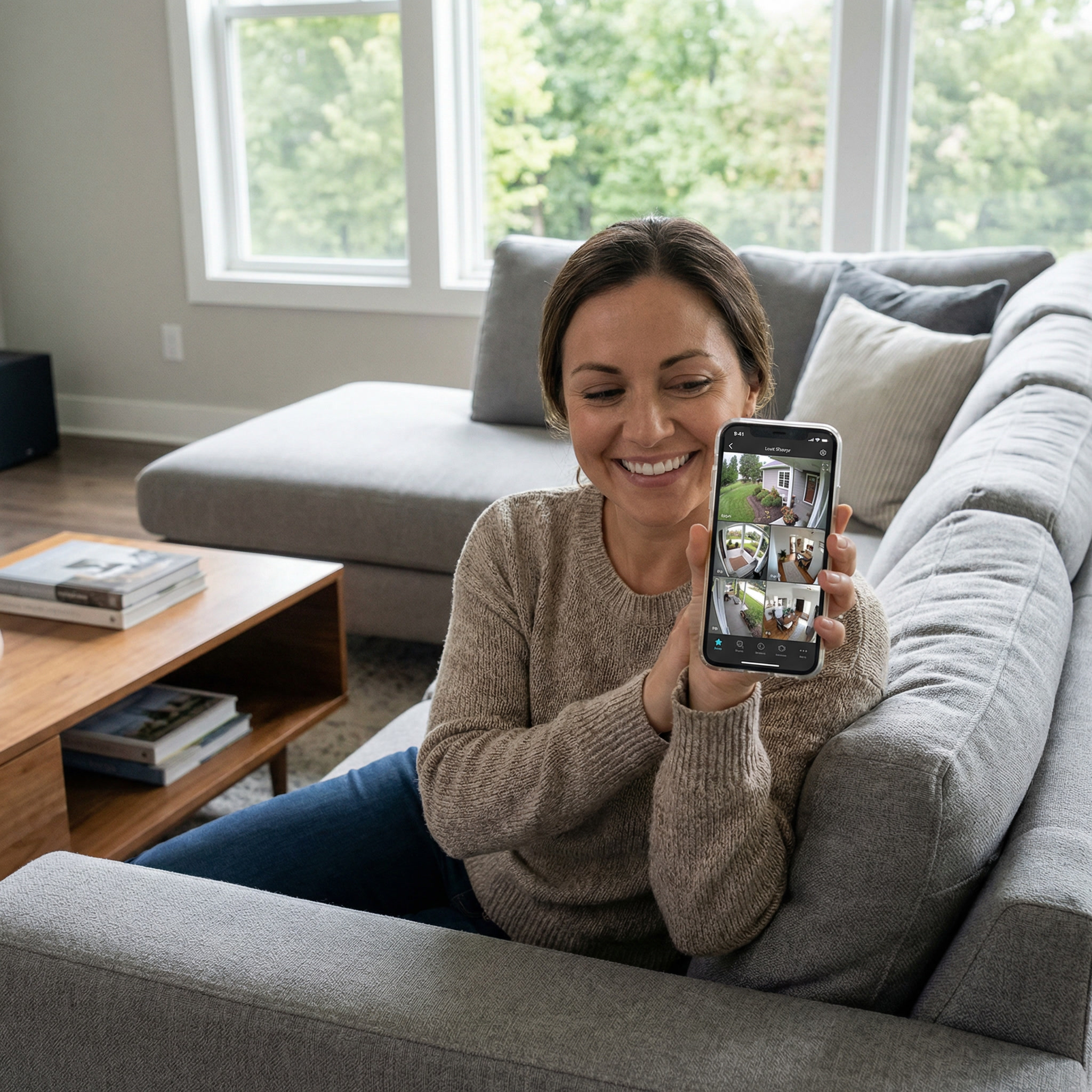
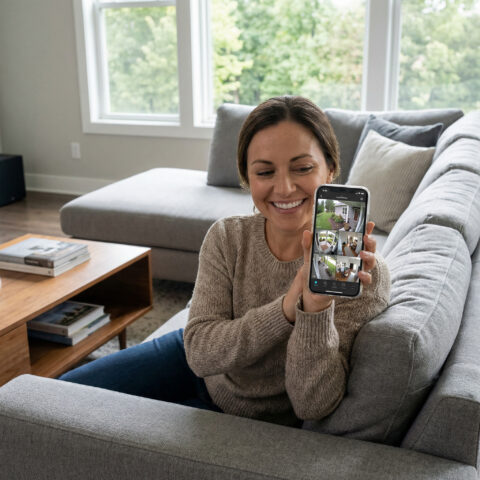
Self-monitored security means your system sends alerts directly to your smartphone instead of routing through a professional monitoring center. When a sensor triggers, you get a push notification, check your cameras, and decide whether to call 911, check on things remotely, or dismiss a false alarm.
| Feature | Self-Monitored | Professionally Monitored |
|---|
| Monthly cost | $0–6/month | $20–60/month |
| Who gets alerts | You (phone notification) | Monitoring center + you |
| 911 dispatch | You call manually | Center calls on your behalf |
| Response time | Depends on you | 30–60 seconds after verification |
| Contract required | Almost never | Often 12–36 months |
| Best for | Budget-conscious, tech-savvy, renters | Families, travel-heavy, elderly |
5 Best Self-Monitored Security Systems in 2026
1. Abode — Best Overall Self-Monitored System
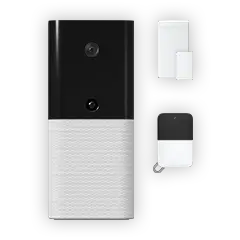
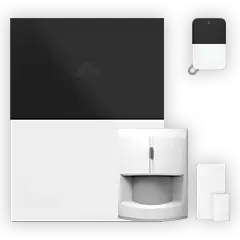
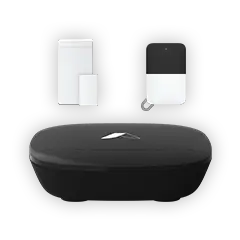
Why it wins: Abode is the only major security system with Apple HomeKit support, built-in Z-Wave and Zigbee radios, and a completely free self-monitoring tier. The Smart Security Kit ($199) includes everything you need to start, and the free plan gives you real-time push notifications, device control, and CUE automation rules — no monthly fee required.
| Abode Plan | Monthly Cost | What You Get |
|---|
| Free (Self-Monitor) | $0 | Push notifications, device control, CUE automations, timeline |
| Connect | $6 | Everything free + cellular backup, location services, integrations |
| Connect+ | $12 | Everything Connect + video storage, advanced automations |
| Pro (Optional) | $20 | 24/7 professional monitoring when you want it |
Key self-monitoring features:
- Geofencing auto arm/disarm — System arms when you leave, disarms when you arrive. No codes, no app, no keypad needed.
- CUE automations — Create rules like “if door opens while armed, record camera and turn on lights”
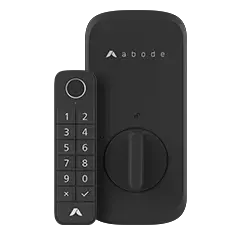
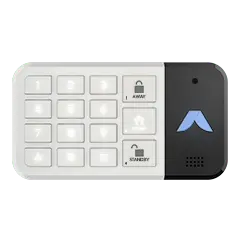
- Keypad 2 — Quick arm/disarm for family members who don’t use the app
- HomeKit/Alexa/Google — Control from any smart speaker or Apple Home app
- Cellular backup ($6/mo) — Stays connected even if Wi-Fi goes down
What makes Abode different: Most competitors force you into a paid plan to get basic features. Abode’s free tier is genuinely usable — you get full device control, automations, and notifications without paying a cent. When you’re ready for more, the $6 Connect plan adds cellular backup (critical for real security). And if you ever want professional monitoring for a vacation or peace of mind, just toggle it on for $20/month — no contract.
👉 Shop the Smart Security Kit
2. Ring Alarm — Best for Amazon Households
Ring’s self-monitoring is decent but limited compared to Abode. The free tier gives you push notifications and live camera viewing, but you lose video recording history without Ring Protect ($3.99/camera or $20/mo for everything). If your home already runs on Alexa, Ring integrates seamlessly.
Self-monitoring limitations: No cellular backup without Ring Protect Pro ($20/mo), no professional monitoring option without a plan, limited automation compared to Abode’s CUE engine.
3. SimpliSafe — Best for Simple Setups
SimpliSafe offers free self-monitoring with push notifications. Their hardware is solid and setup is dead simple. However, SimpliSafe’s free tier is more limited — no camera recording, no smart home integration, no cellular backup. You need the $18+/mo plan for most useful features.
4. Wyze — Budget Option
Wyze Home Monitoring starts at $5/month and includes professional monitoring — impressive for the price. Their cameras are the cheapest on the market. But the security system is bare-bones compared to dedicated security brands, and the app can be glitchy.
5. Eufy Security — Best for Local Storage
Eufy’s appeal is 100% local storage — no cloud subscription for video. The HomeBase stores recordings locally with 16GB built-in. Good cameras, but the alarm system is basic with limited sensor options.
Self-Monitoring Comparison: What You Actually Get for Free
| Feature | Abode Free | Ring Free | SimpliSafe Free |
|---|
| Push notifications | ✅ | ✅ | ✅ |
| Live camera view | ✅ | ✅ | ❌ (paid only) |
| Video recording | ❌ (Connect+ $12) | ❌ (Protect $4+) | ❌ ($18+) |
| Device automations | ✅ CUE rules | Basic only | ❌ |
| Smart home hub | ✅ Z-Wave/Zigbee | ❌ | ❌ |
| HomeKit support | ✅ | ❌ | ❌ |
| Cellular backup | ❌ (Connect $6) | ❌ (Pro $20) | ❌ ($18+) |
| Geofencing | ✅ | ✅ | ❌ |
| Arm/disarm from app | ✅ | ✅ | ✅ |
3-Year Cost Comparison
| System | Hardware | Monthly | 3-Year Total |
|---|
| Abode (Free) | $199 | $0 | $199 |
| Abode (Connect) | $199 | $6 | $415 |
| Ring (Free) | $199 | $0 | $199 |
| Ring (Protect Pro) | $199 | $20 | $919 |
| SimpliSafe (Free) | $199 | $0 | $199 |
| SimpliSafe (Interactive) | $199 | $28 | $1,207 |
| ADT Self Setup | $199 | $25 | $1,099 |
How to Set Up Self-Monitoring With Abode
- Get the Smart Security Kit — Includes hub, Keypad 2, entry sensor, and motion sensor
- Download the Abode app — Available for iOS and Android
- Plug in the hub — Connect to Wi-Fi, create your account
- Add your sensors — Peel, stick, and pair. Takes about 15 minutes for a whole house
- Set up geofencing — Auto arm when you leave, auto disarm when you arrive
- Create CUE automations — “When armed + door opens → send alert + record camera + flash lights”
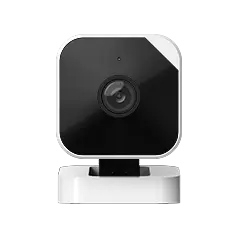
- Add a Cam 2 — Optional but recommended for visual verification
The whole setup takes under 30 minutes. No drilling, no technician, no contract.
When Should You Upgrade to Professional Monitoring?
Self-monitoring works great for most people, but consider upgrading to Abode’s Pro plan ($20/mo) if:
- You travel frequently and can’t always respond to alerts
- You want fire/CO monitoring (smoke detectors trigger 911 dispatch)
- You have elderly family members at home
- Your insurance company requires professionally monitored security for a discount
- You want the peace of mind of 24/7 coverage
The beauty of Abode: you can switch between self-monitoring and pro monitoring anytime. No contract, no penalty. Going on vacation? Turn on Pro for a month. Back home? Switch to free. No other system makes this so easy.
Frequently Asked Questions
Is self-monitored home security effective?
Yes. The alarm siren itself is the primary deterrent — most burglars flee within 10 seconds of hearing an alarm. Self-monitoring adds instant smartphone notifications so you can verify the threat and call 911 if needed. Studies show homes with any security system (self or professionally monitored) are 300% less likely to be burglarized.
What happens if I miss an alert?
The siren continues blaring (Abode’s built-in siren hits 95dB+). Your phone will show the notification when you check it. With Abode’s CUE automations, you can also set up backup actions — like turning on all lights, triggering cameras to record, or sending alerts to multiple family members.
Do I need cellular backup for self-monitoring?
It’s strongly recommended. Without cellular backup, a burglar could cut your internet or Wi-Fi and your system goes silent. Abode’s Connect plan ($6/month) adds cellular backup — the most important $6 you can spend on home security.
Can I get an insurance discount with self-monitoring?
Some insurers offer discounts (typically 5-10%) for any security system. However, most require professional monitoring for the full discount (10-20%). With Abode, you can easily upgrade to the Pro plan ($20/month) if your insurer requires it — the insurance savings often cover the monitoring cost.
What’s the best self-monitored system for renters?
Abode’s Smart Security Kit is ideal for renters — completely wireless, adhesive mounting (no drilling), portable when you move, and no contract. The Keypad 2 uses adhesive too, so everything comes off clean when your lease ends.


 Abode Last Updated: March 2026 Renters face a specific set of constraints that homeowners do not. You cannot drill into walls, run wires, or make permanent modifications. Your landlord probably...