Cameras & Motion SensorsHow a Video Doorbell Detects Motion
 Stewart Grant July 19, 2025
 Ever wonder how a video doorbell actually detects motion, alerting you and capturing a video? You’re not alone. This guide will walk you through both the technical and not-so-technical explanations for readers of every knowledge level.
The Technical Explanation

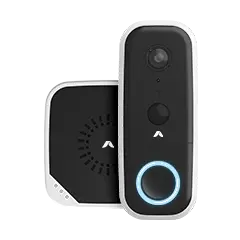
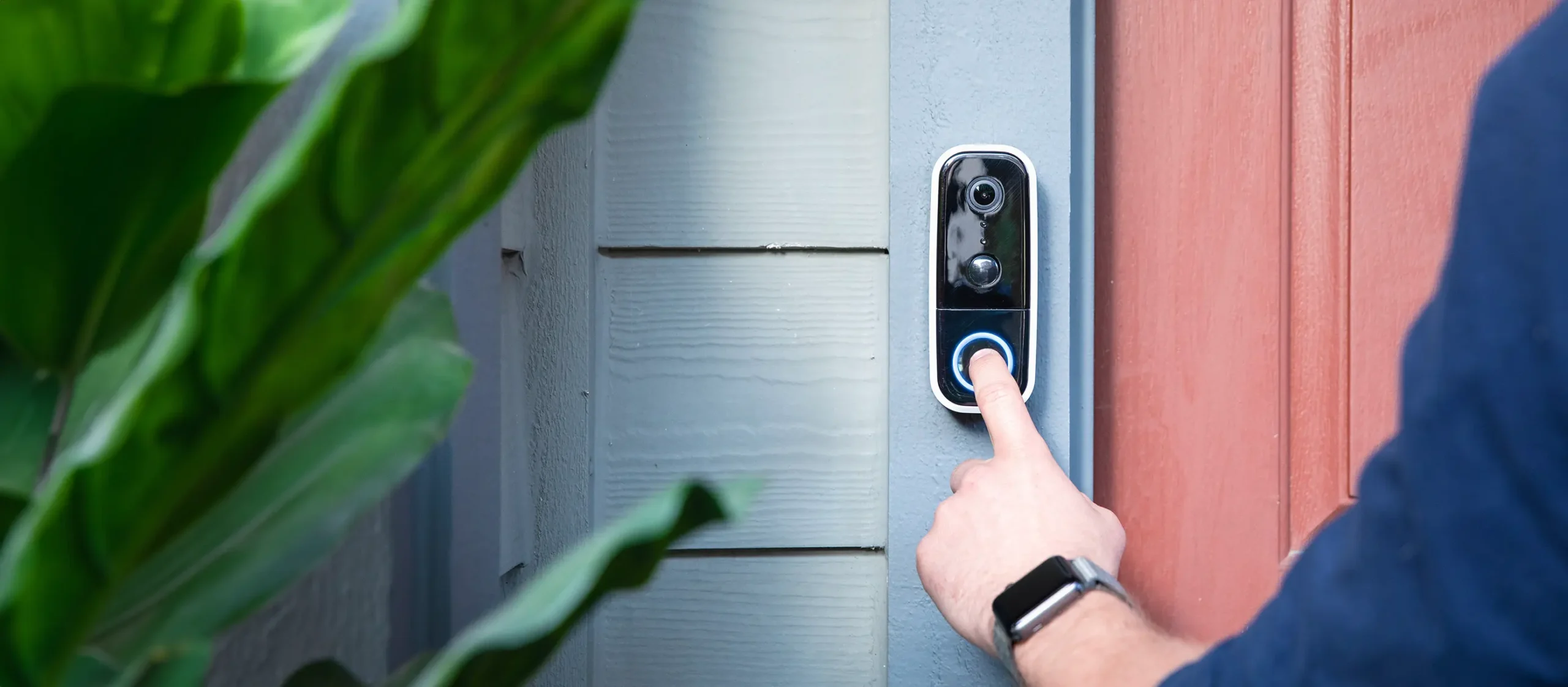
Modern video doorbells like the Wireless Video Doorbell can make use of a plethora of motion-sensing technologies to detect activity at your front door. Here’s how they work under the hood:
1. Passive Infrared Sensors (PIR)
Most video doorbells include a PIR sensor. This sensor detects changes in infrared radiation, or heat, emitted by objects. When a person (or any warm-blooded creature) enters the sensor’s field of view, the infrared pattern shifts, triggering a motion alert.
2. Computer Vision (CV) & AI Detection
More advanced doorbells use their built-in camera to analyze video frames in real time. By comparing sequential images (frame differencing), the device can detect movement. With computer vision and AI, these doorbells can recognize specific objects—like a person, package, animal, or vehicle—and prioritize or customize notifications accordingly.
3. Pixel Change Detection
Simpler models use pixel change detection, where the doorbell watches for noticeable changes in the pixel arrangement of the image. While fast and energy-efficient, this method can be prone to false positives, like shifting shadows or waving branches.
4. Motion Zones & Activity Regions
Most smart video doorbells let users define motion zones within the camera’s field of view. This means the device will only trigger motion alerts if movement occurs within that specified zone—ideal for ignoring passing cars or distant sidewalk activity.
The Plain-English Explanation
Imagine your video doorbell has two superpowers: it can sense warmth and watch everything like a hawk.
- Feeling warmth: That’s the PIR sensor. If someone warm (like a person or a pet) walks by, your doorbell says, “Aha! Someone’s here!”
- Watching like a hawk: Your doorbell camera stares at your porch all day. When something moves—even a little—it notices. It’s like playing a game of “What’s Different?”
- Smarter doorbells: These are little geniuses. They can tell the difference between your dog, a package, and your neighbor taking out the trash. They ignore the boring stuff and only tell you when something important happens.
- Motion zones: You can tell your doorbell, “Hey, only care about the steps. Ignore the street.”
So when your phone buzzes, it’s just your loyal, invisible porch buddy doing its job: spotting the movement you need to know about and letting you know.
Why This Matters for DIY Home Security Users
Understanding how your video doorbell detects motion helps you:
- Install it correctly: Too high and it misses faces; too low and it detects feet or pets.
- Reduce false alerts: Adjust motion zones to ignore cars, waving trees, or busy sidewalks.
- Automate smarter: With platforms like Apple HomeKit or Abode’s automation platform CUE, you can create automations based on motion, like turning on indoor lights or recording a clip.
Hopefully, you now have a better understanding of how video doorbells actually detect motion while trying to minimize false alarms. Armed with this knowledge and installation best practices, you can set yourself up for video doorbell success.












 June 12, 2026 Side Door Security 2026: Smart Locks, Sensors, Cameras, and Entry Routines
  Abode Side doors are easy to treat as secondary, but many homes use them every day. They connect garages, mudrooms, laundry rooms, side yards, service paths, and basement stairs. That makes...
